
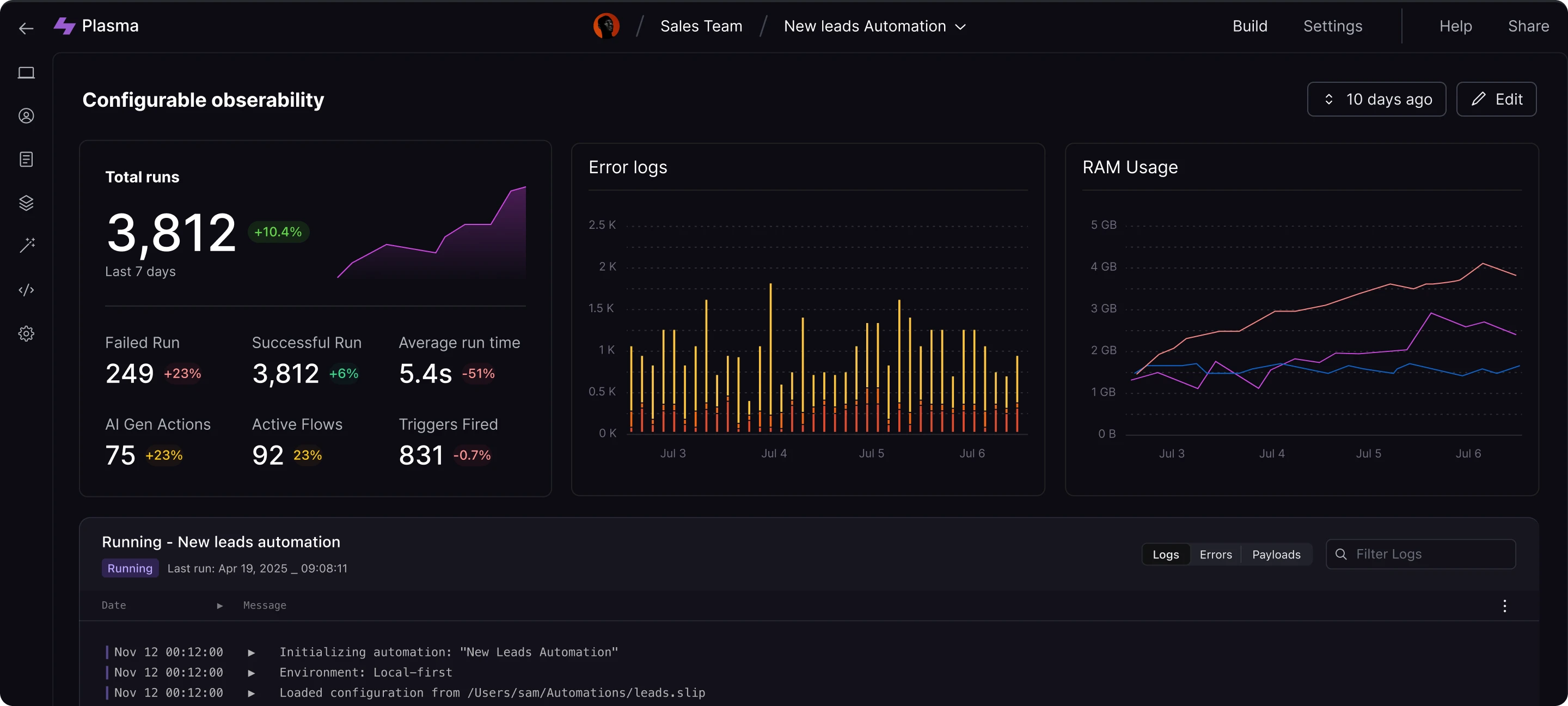
Plasma automations are most powerful when they stay transparent. Operators need to know which decision is being made, why it triggered, and how to step in without breaking the flow. We iterated on override patterns with those questions front and center.
Surface the intent first
Every automation now opens with a plain-language summary that names the target system, the proposed action, and the confidence score. It reads like a colleague making a suggestion instead of an opaque daemon.
- Quick links pull together the metrics, logs, and tickets consulted by the model.
- Inline guardrails call out any service-level agreements or runbook excerpts that informed the recommendation.
- Copy stays under three sentences so on-call engineers can digest it mid-page.
Stage overrides in layers
We borrowed from change review tooling: staging, preview, and commit. Plasma keeps human hands in the loop without forcing them through terminals.
- Stage — Operators capture tweaks (swap a threshold, add a notification) without dispatching anything.
- Preview — Shadow mode replays the adjusted automation against the last hour of production telemetry.
- Commit — Only once impact remains under the guardrails do we ship the override to production.
The middle step ended up critical. It preserves muscle memory from incident response while making it safe to experiment.
Close the loop with context
Once an override runs, we attach the diff and result back into the shared timeline. The summary spells out what changed, who approved it, and which follow-up tasks were created.
The guiding question is always: will the next responder understand why this action ran?
We are extending this loop to partner tools next. Overrides will soon sync to PagerDuty notes and Linear tickets automatically, keeping context intact wherever the conversation continues. If you want to help shape the roadmap, reach out—we are collecting feedback from teams shipping critical automations every day.